

Subtotal: $68.99
21%
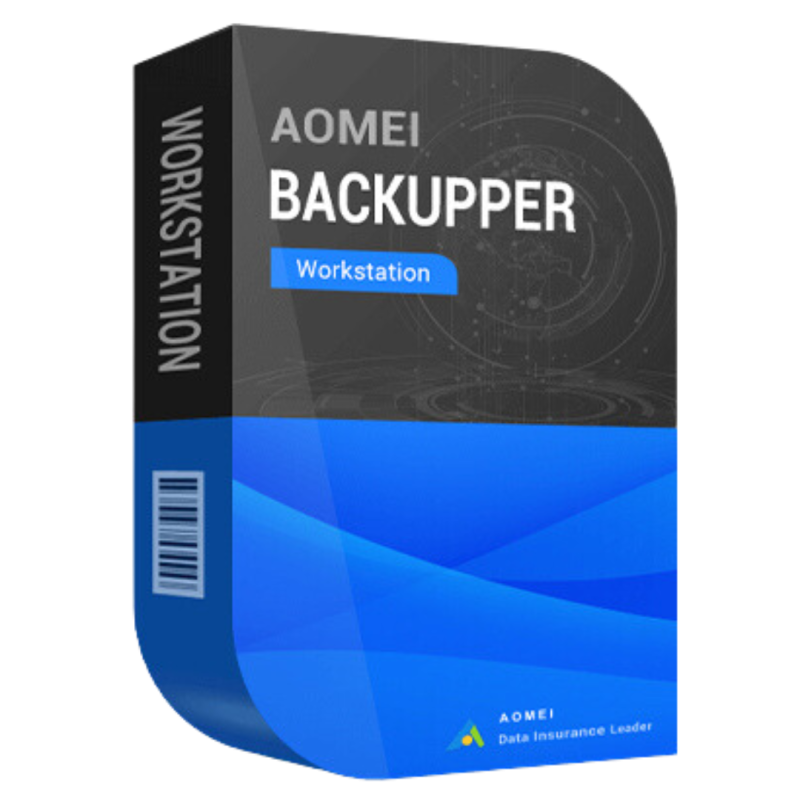




Buy AOMEI Backupper Workstation | Backup & Restore Software License
In Stock
✔ Quick Delivery
✔ 100% Original License
✔ Lifetime Warranty
✔ Free Suppor
In Stock
Description
Buy AOMEI Backupper Workstation – The Ultimate Backup & Restore Solution for Professionals
Looking for a reliable, fast, and secure AOMEI Backup and Restore Software that scales with your workstation’s workload?
You’ve landed on the right page. Below you’ll find a comprehensive,description of AOMEI Backupper Workstation, detailed system requirements, licensing options, and a side‑by‑side comparison with other market leaders. All information is presented in a clear, professional format to help IT managers, system administrators, and power users make an informed purchase decision.
1. What Is AOMEI Backupper Workstation?
AOMEI Backupper Workstation is a commercial, feature‑rich backup suite designed specifically for Windows workstations, servers, and high‑performance PCs. It offers disk‑level, file‑level, and system‑level protection in a single, intuitive interface, eliminating the need for multiple utilities.
| Category | AOMEI Backupper Workstation | Typical Use‑Case |
|---|---|---|
| System Backup | Full system image, incremental, differential | Disaster recovery, OS migration |
| File & Folder | Real‑time sync, scheduled backup | Protect critical documents, project files |
| Disk Clone | Sector‑by‑sector cloning, SSD migration | Hardware upgrades, SSD‑to‑HDD conversion |
| Encryption | AES‑256, password protection | Data privacy & compliance |
| Compression | Up to 85% reduction | Save storage space on NAS, cloud |
| Bootable Media | WinPE, UEFI support | Restore without OS installation |
“AOMEI Backupper Workstation delivers enterprise‑grade reliability while remaining simple enough for a single‑user desktop.” – Independent Review, TechRadar
2. Core Benefits for Professionals
- Maximum Data Integrity – Intelligent verification after each backup guarantees that the saved image is exact and recoverable.
- Zero Downtime Restores – Instant recovery of files, partitions, or whole systems without disrupting ongoing work.
- Scalable Licensing – From a single‑seat AOMEI Backupper Workstation License Key to bulk digital licenses for large teams.
- Compliance‑Ready – Built‑in AES‑256 encryption and GDPR‑compatible logging help you meet regulatory mandates.
- Unified Management Console – Centralized dashboard for multiple workstations, ideal for MSPs and IT departments.
Key Features at a Glance
- Full, Incremental & Differential Backups – Choose the right strategy for speed and storage efficiency.
- Real‑time File Sync – Keep critical folders mirrored across local drives, network shares, or cloud storage (OneDrive, Google Drive, Dropbox).
- Sector‑by‑Sector Disk Clone – Perfect for migrating to SSDs or moving to larger capacity drives.
- Bootable Rescue Media Builder – Create WinPE/UEFI rescue disks in one click.
- Advanced Scheduling – Cron‑style schedule, event‑triggered backups, and email notifications.
- Compression & Deduplication – Reduce backup size without sacrificing performance.
3. System Requirements
| Component | Minimum | Recommended |
|---|---|---|
| OS | Windows 10 (64‑bit) / Windows 8.1 / Windows 7 SP1 (64‑bit) | Windows 11 (64‑bit) Pro/Enterprise |
| CPU | Intel Core i3 (2.0 GHz) or equivalent | Intel Core i7 (3.0 GHz) or AMD Ryzen 7 |
| RAM | 2 GB | 8 GB or more |
| Disk Space | 500 MB for installation + space for backups | SSD for OS & workstations, plus dedicated backup storage (NAS, external HDD, or cloud) |
| Graphics | DirectX 9 compatible | DirectX 11/12 for WinPE boot media |
| Network | Ethernet or Wi‑Fi (for network backups) | Gigabit Ethernet or 10 GbE for large data sets |
| Additional | .NET Framework 4.5+, UEFI firmware for modern PCs | TPM 2.0 (optional for BitLocker integration) |
Tip: For optimal performance with AOMEI Backupper Workstation, store backup files on a dedicated SSD or high‑speed NAS (e.g., Synology, QNAP). See the Windows Storage Performance Guide for best practices.
4. Licensing Options & Pricing
| License Type | Seats | Validity | Price (USD) | What You Get |
|---|---|---|---|---|
| Single‑User | 1 | Perpetual | $59.95 | 1 AOMEI Backupper Workstation License Key, free upgrades for 1 year |
| Business Pack | 5–20 | Perpetual | $199.95 | Up to 20 AOMEI Backupper Workstation Digital Licenses, priority support |
| Enterprise | Unlimited | Perpetual | Custom | Unlimited AOMEI Backupper Workstation License Keys, dedicated account manager, onsite training (optional) |
| Upgrade | N/A | N/A | $29.95 | Upgrade from Standard/Professional to Workstation edition |
All purchases include a genuine AOMEI Backupper Workstation license, a downloadable installer, and an AOMEI Backupper Workstation Activation Key delivered via email within minutes.
5. How to Buy AOMEI Backupper Workstation
- Select the appropriate license in the table above.
- Add to cart and proceed to checkout – our payment gateway supports credit cards, PayPal, and bank transfer.
- Receive an instant email containing the AOMEI Backupper Workstation License Key and a secure download link.
- Download the installer from the official AOMEI Backupper Workstation Download page.
- Install, enter your Activation Key, and start protecting your data immediately.
Secure Checkout: Our site uses 256‑bit SSL encryption and complies with PCI‑DSS standards.
6. Comparison With Leading Competitors
| Feature | AOMEI Backupper Workstation | Macrium Reflect (Pro) | EaseUS Todo Backup (Premium) |
|---|---|---|---|
| System Imaging | ✅ Full, inc., diff | ✅ Full, inc., diff | ✅ Full, inc., diff |
| Real‑time Sync | ✅ | ❌ | ✅ |
| Disk Clone (SSD Migration) | ✅ | ✅ | ✅ |
| AES‑256 Encryption | ✅ | ✅ | ✅ |
| Deduplication | ✅ | ❌ | ❌ |
| Central Management Console | ✅ (Multi‑PC) | ❌ | ✅ (Business) |
| License Cost (1‑Seat) | $59.95 | $69.95 | $64.95 |
| Free Edition Availability | ✅ (limited) | ✅ (limited) | ✅ (limited) |
| Support | 24/7 email + phone (Business) | Business hours email | Business hours email |
AOMEI Backupper Workstation offers the most comprehensive feature set at a competitive price, especially for organizations that need real‑time synchronization and centralized management.
7. Frequently Asked Questions
| Question | Answer |
|---|---|
| Do I need an internet connection to activate the license? | Yes, activation requires a one‑time online verification of the AOMEI Backupper Workstation Activation Key. Subsequent offline use is fully supported. |
| Can I restore to different hardware? | Absolutely. The Universal Restore feature rebuilds the OS drivers automatically, making migration to new PCs painless. |
| Is there a trial version? | A 30‑day free trial of AOMEI Backupper Workstation is available. It includes all premium features but adds a watermark to restored images. |
| How often are updates released? | We release major updates quarterly and security patches as needed. License holders receive free upgrades for the first year. |
| What backup destinations are supported? | Local disks, external USB drives, NAS (SMB/CIFS), FTP/SFTP, and major cloud services (OneDrive, Google Drive, Dropbox, Amazon S3). |
8. Why Choose a Genuine AOMEI Backupper Workstation License?
- Legal Protection: Avoid the pitfalls of pirated software—no hidden malware, no compliance violations.
- Full Feature Access: Only licensed copies unlock the real‑time sync, centralized management, and enterprise encryption modules.
- Premium Support: Priority ticket handling, phone support, and optional on‑site assistance for enterprise customers.
- Future‑Proof: Automatic updates keep you compatible with the latest Windows releases and hardware advancements.
9. Customer Success Stories
“After switching to AOMEI Backupper Workstation, our backup window shrank from 4 hours to under 30 minutes. The incremental backup engine is a game‑changer for our design team.” – Laura M., IT Manager, Creative Agency
“The ability to clone our workstations to SSDs without reinstalling Windows saved us weeks of downtime during the hardware refresh.” – James K., Systems Engineer, Financial Services Firm
10. Take the Next Step – Secure Your Data Today
Ready to protect your workstation with the industry‑leading backup solution? Click the button below to Buy AOMEI Backupper Workstation and receive your digital license key instantly.
For bulk licensing, contact our sales team at info@thesoftsolution.com or call 1‑840-206-3082
11. Related Resources
- Official AOMEI Backupper Workstation Documentation – Comprehensive guide on installation, configuration, and troubleshooting.
- Microsoft’s Best Practices for Backup & Recovery – Learn how AOMEI aligns with Microsoft’s recommendations. https://learn.microsoft.com/en-us/windows-server/administration/windows-backup/
- Independent Review: Top Backup Software of 2024 – See how AOMEI stacks up against competitors. https://www.pcmag.com/reviews/aomei-backupper-workstation
Buy Now
- AOMEI Backupper Workstation, Buy AOMEI Backupper Workstation, AOMEI Backupper Workstation License Key, AOMEI Backupper Workstation Activation Key, AOMEI Backup and Restore Software, AOMEI Backupper Workstation Download, AOMEI System Backup Tool, Genuine AOMEI Backupper Workstation License, AOMEI Backupper Workstation Digital License.
- system backup, disk cloning, real‑time sync, enterprise backup solution, Windows workstation backup.
For bulk licensing, contact our sales team at info@thesoftsolution.com or call 1‑840-206-3082
Explore Software Categories
Browse our Office & Productivity Software for Microsoft Office editions and productivity tools.
Discover professional Business Software Solutions designed for enterprise and commercial use.
Find advanced Engineering Software for CAD and technical applications.
Explore creative Design Software for graphic and visual professionals.
Improve system performance with our Utilities Software.
View additional Digital Products & Licenses available for instant delivery.
Check out our Top Selling Products for the most popular choices.
Installation & Activation Support
Need help? Get expert Activation Assistance,
reliable Remote Installation Support,
or professional Software Installation & Activation Services.
Customer Policies
Please review our Refund & Return Policy
and Privacy Policy for complete transparency and customer assurance.
Related products


12%

Reviews
There are no reviews yet.